Model to your standard
With an AI-ready template, the agent reads the template kit (conventions, types, rules and steps), picks each type from the catalog instead of inventing it, and closes with the kit's checks.
The MCP connects your AI agent to Revit 2023–2027 on Windows. The public Community edition is free and open source (Apache-2.0). Pro includes everything in Community and adds AI-ready templates, audits Community doesn't have, finish walls and modeling craft, and sheet tools.
Pro is installed from Horizun Suite with a paid (Pro) account. You need Revit and an MCP-compatible AI agent (for example Claude Desktop), paid separately.
| Community · free | Pro | |
|---|---|---|
| Tools | 125 | 147 |
| Operations in total | 481 | 642 |
| Supported Revit versions | 2023–2027 | 2023–2027 |
| Query, general model audit, quantities, sheets, export | Yes | Yes |
| Model from DWG and IFC, coordination and clashes | Yes | Yes |
| Python inside Revit (off by default; the machine owner turns it on) | Yes | Yes |
| AI-ready templates: the agent picks types from your template's catalog | No | Yes |
| Support and MEP connectivity audits, real room boundaries | No | Yes |
| Finish walls over the linked core, split by level, plumbing fixtures connected to their systems | No | Yes |
| Sheets: viewports in paper millimetres and custom crops | No | Yes |
| Sheet annotation (operations) | 7 | 19 |
All 125 Community tools are in Pro, which adds 22 and extends 22. The product also ships two experimental point-cloud tools that are not part of the offer. The two marked “being fixed” don’t count either until they are verified. Counted from each edition's inventory (Community as published on GitHub on 2 November 2026; Pro 5.0.1). In both, every write is rehearsed first and read back from the model; what Python reports is the script's own account.
With an AI-ready template, the agent reads the template kit (conventions, types, rules and steps), picks each type from the catalog instead of inventing it, and closes with the kit's checks.
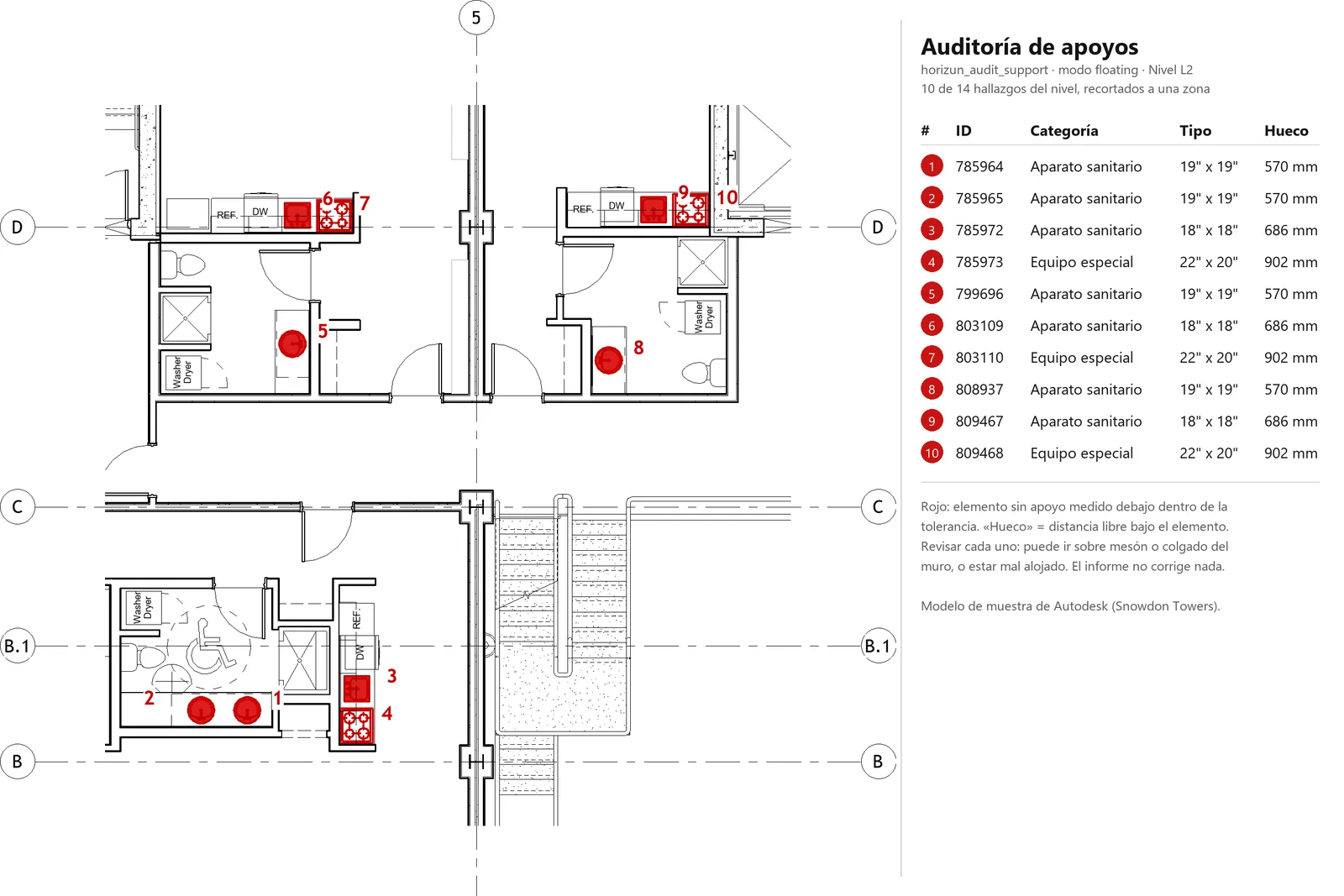
Finds unsupported floating elements, loose beam ends, rooms without floors, unconnected MEP connectors and isolated runs, with each element's id so you can fix it.
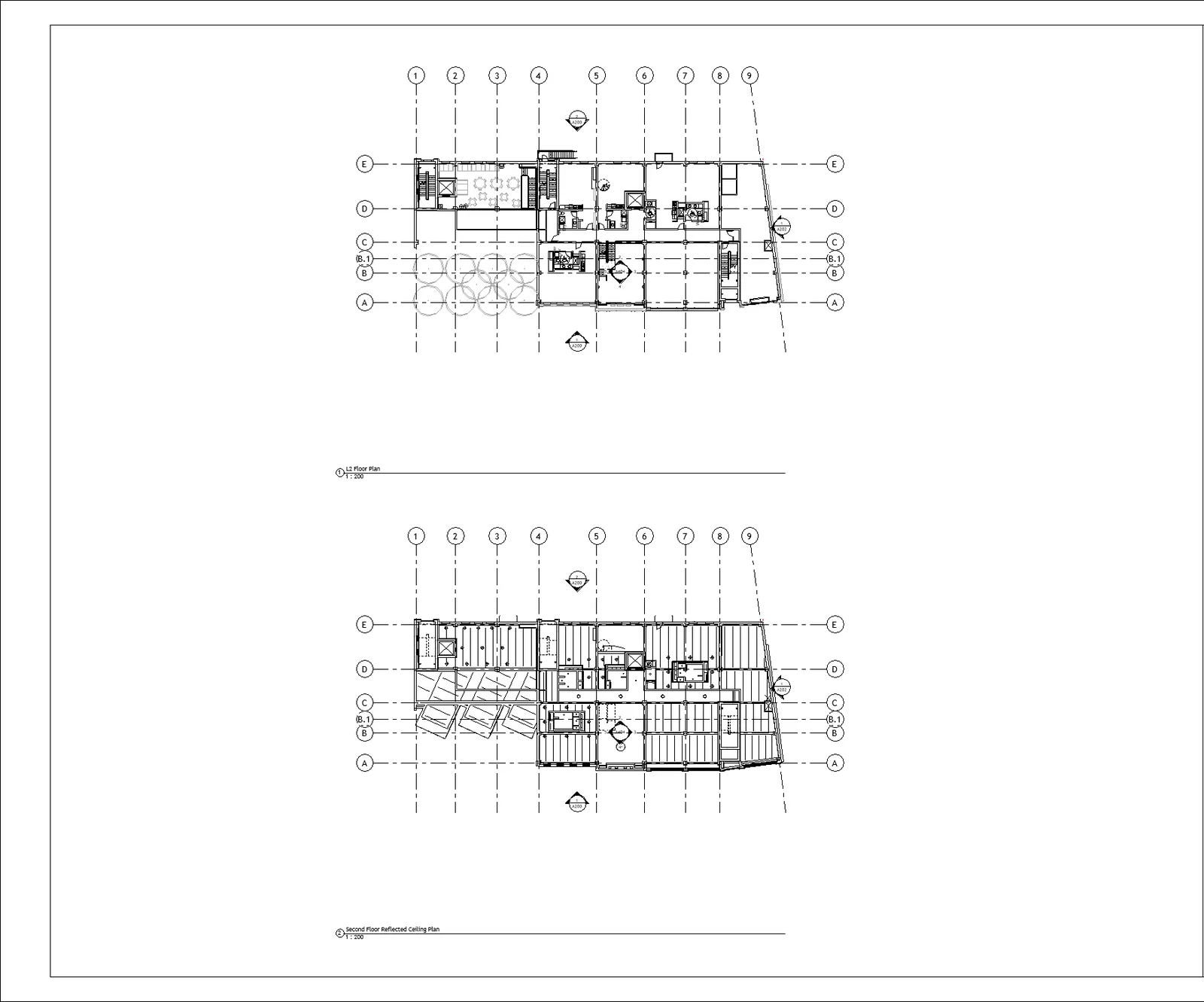
Places and aligns viewports in paper millimetres, sets their scale, crops views to rooms or elements and won't let through viewports that don't fit on the sheet.
Models architectural walls as finish layers over the linked structural core, without overlaps. Splits walls, columns and risers at every level they cross, recreates doors and windows and reconnects the networks.
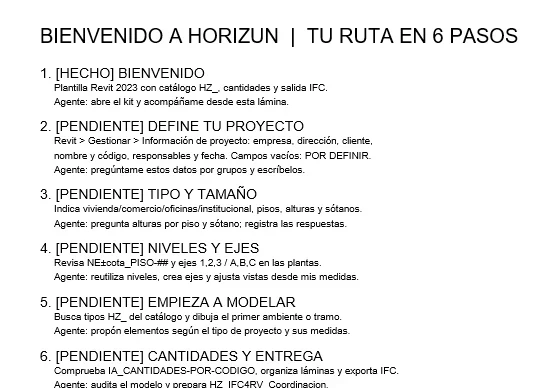
horizun_template_kit : reads the template kit (conventions, types, rules, clearances and steps) so the agent picks catalog types and closes with the kit's checks.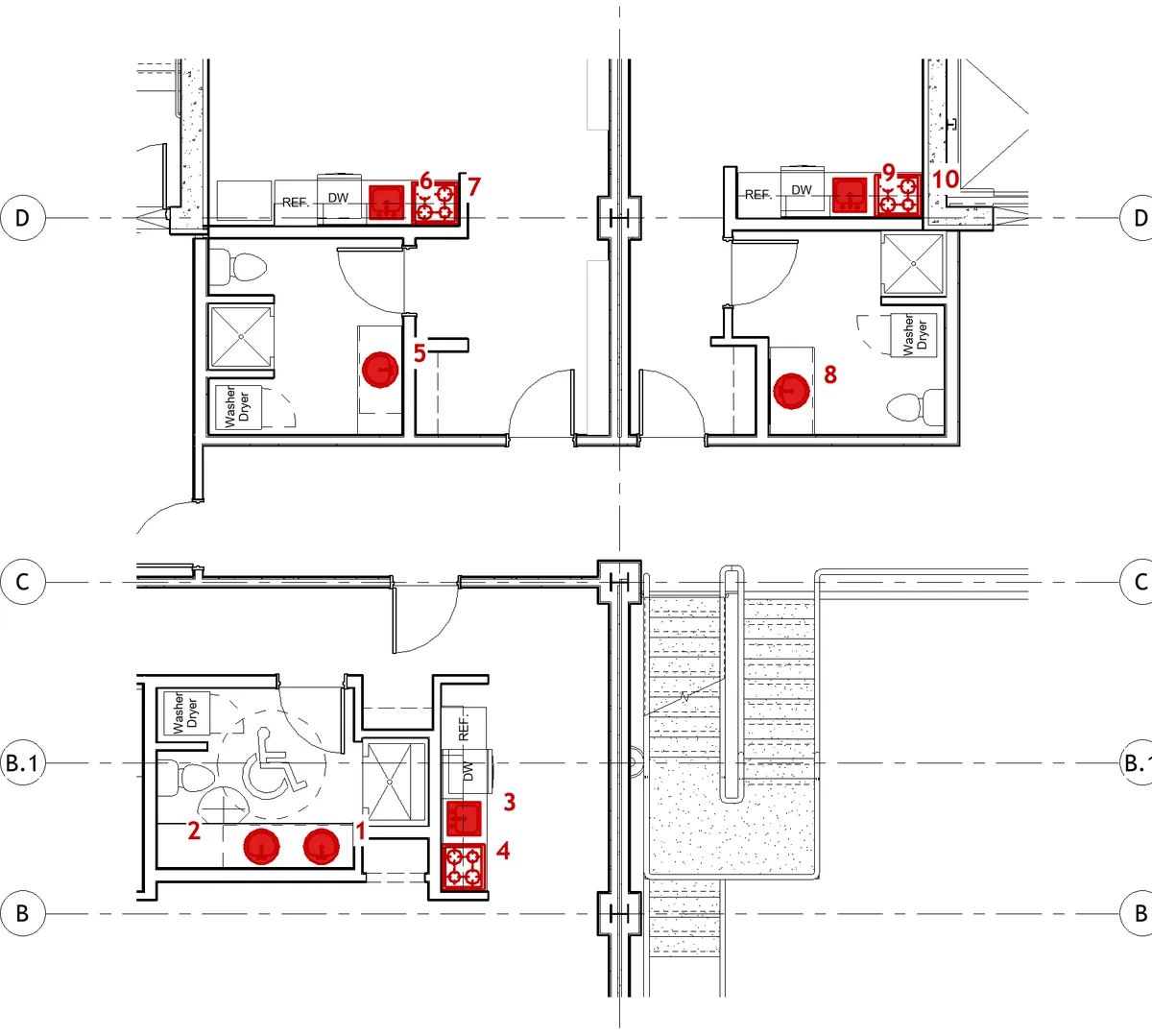
horizun_audit_support : unsupported elements, loose beams, rooms without floors.horizun_audit_mep_connectivity : unconnected connectors and isolated runs.horizun_room_boundaries : real boundaries and redundant rooms.horizun_selection_context , horizun_query_relations , horizun_measure_geometry , horizun_query_family_internals and horizun_api_help .horizun_split_by_level , horizun_join_geometry , horizun_wall_finish , horizun_wall_sweep .horizun_place_joinery_from_cad : doors and windows from DWG tags.horizun_mep_fittings , horizun_plumbing_fixtures , horizun_family_reload , horizun_manage_classification_table .
horizun_sheet_layout , horizun_view_crop , horizun_view_visibility and horizun_planimetry_ops .Being fixed, outside the offer and the count of 22. They ship in the product, but we don't sell them until they are verified on a real model:
horizun_room_finishes (being fixed): the per-room finish floor fails when applied.horizun_coordination_view (being fixed): the color per linked model doesn't show in the view.Pro also extends 22 tools both editions share: for example, sheet annotation goes from 7 to 19 operations, planimetry queries from 6 to 15 and change verification from 3 to 8.
Yes. It has 125 tools to query, run general model audits, model from DWG and IFC, coordinate, take off quantities, produce sheets and export, plus Python inside Revit.
From Horizun Suite, on 64-bit Windows 10 or 11, with a paid (Pro) Horizun Hub account.
Your Revit 2023–2027 license and the MCP-compatible AI agent you use, for example Claude Desktop.